Accessible Storytelling: Why Non-Profit Website Design Must Evolve in 2026
For non-profit organizations, the website is more than a digital brochure; it is the heartbeat of their mission. It’s where stories of impact are told, where volunteer...
Free tool
Grade your website before you keep reading
Most readers want a quick benchmark first. Start with the free Website Grader, then come back to this article with a clearer sense of what to fix.
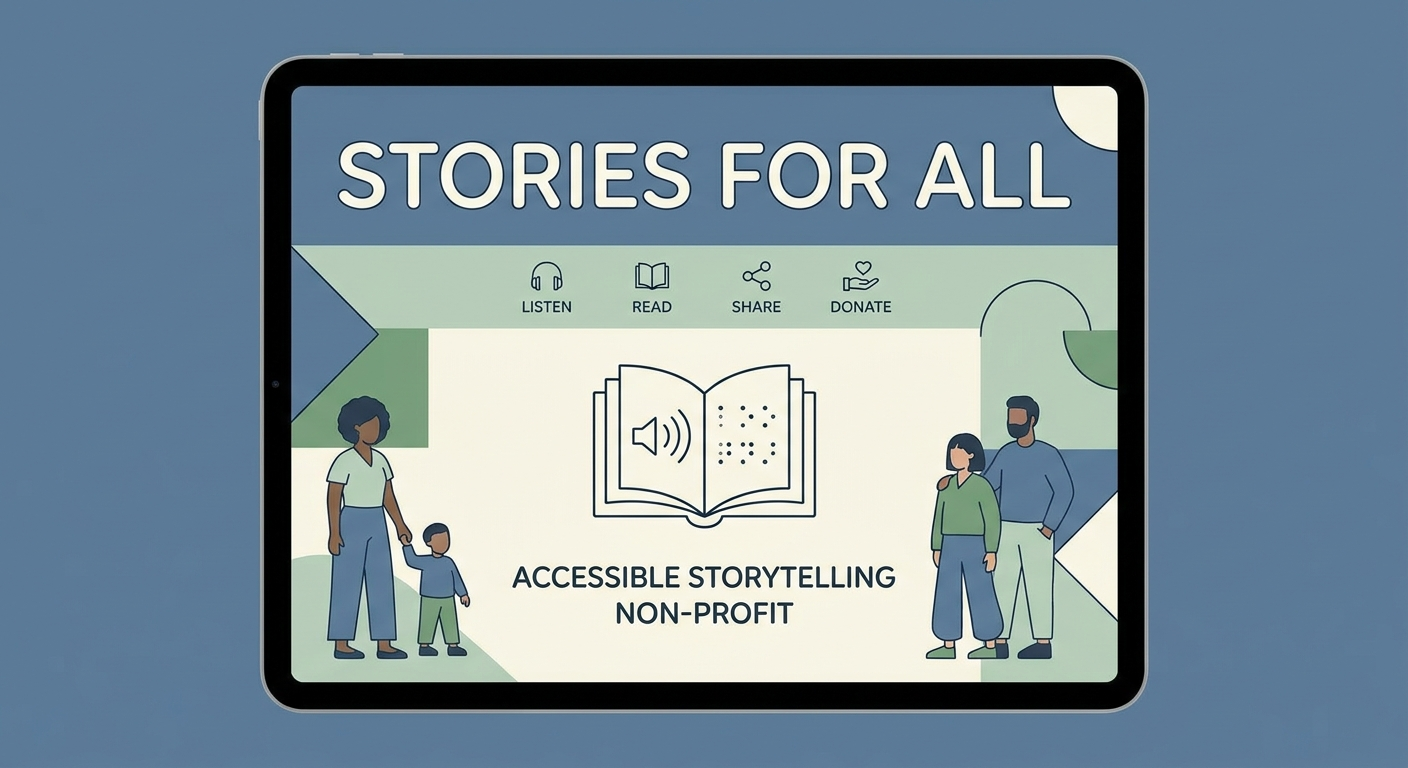
For non-profit organizations, the website is more than a digital brochure; it is the heartbeat of their mission. It’s where stories of impact are told, where volunteers find their calling, and where donors decide to invest their trust. However, as we navigate through 2026, a significant shift has occurred in the digital landscape. Accessibility has moved from a technical "checkbox" to a foundational element of ethical storytelling.
If your non-profit’s website isn’t accessible, you aren't just failing a compliance audit—you are actively silencing your message for a significant portion of your audience.
The Shift from Compliance to Connection
Historically, non-profit web design focused on "WCAG compliance" as a defensive measure—avoiding lawsuits or meeting grant requirements. In 2026, the industry has matured. We now recognize that *accessibility is inclusivity*. When a person with visual, auditory, or cognitive impairments cannot navigate your site, the message they receive is: "This mission isn't for you."
Accessible storytelling means ensuring that the emotional resonance of your work is felt by everyone. This involves more than just alt-text for images; it’s about the architecture of information and the empathy embedded in the user interface.
Key Accessibility Pillars for 2026 Non-Profit Design
1. Cognitive Inclusivity and Neurodiversity
Modern non-profit sites are moving away from cluttered, high-stimulation layouts. For users with ADHD, autism, or dyslexia, simplicity is a bridge.
2. Multimedia Accessibility as Standard
Video is the most powerful tool for non-profit storytelling, but it’s also the most common barrier.
3. Assistive Technology Optimization (ATO)
With the rise of AI-driven screen readers and voice assistants, your site’s underlying code must be cleaner than ever. Semantic HTML is no longer optional. Using correct tags (like `<main>`, `<article>`, and `<nav>`) allows AI agents to accurately summarize your mission for users who rely on voice-first browsing.
Want a fast score before you touch the site?
Use the free Website Grader to get an instant trust, UX, SEO, and performance score, then decide if you need the full AI review.
Open the Free Website Grader →The ROI of Inclusivity: Donor Trust
There is a direct correlation between accessibility and conversion rates (donations). A site that is easy to navigate and understand feels "safe." For a donor, this professional attention to detail translates to a well-managed organization.
When you prioritize accessibility, you:
Action Steps for Your Non-Profit Redesign
If you are planning a website update this year, start with an accessibility-first mindset:
Conclusion
In 2026, the non-profits that thrive will be those that realize their mission is for *everyone*. Accessible web design isn't a burden; it's an opportunity to demonstrate your values through every pixel. By removing digital barriers, you aren't just improving a website—you're opening the door to a more inclusive world.
---
Ready to audit your non-profit's digital impact? [Connect with SiteInsight AI today](/) for a comprehensive accessibility and performance review.
Turn this article into a real benchmark
Start with the free Website Grader for an instant score, then move to the full AI scan when you want page-level recommendations.
Open the Free Website Grader →