Mobile menu UX mistakes that quietly cost small businesses leads and sales
Discover the most common mobile menu UX mistakes on small business websites and how to fix navigation problems that hurt conversions, SEO, and user confidence.
Free tool
Grade your website before you keep reading
Most readers want a quick benchmark first. Start with the free Website Grader, then come back to this article with a clearer sense of what to fix.
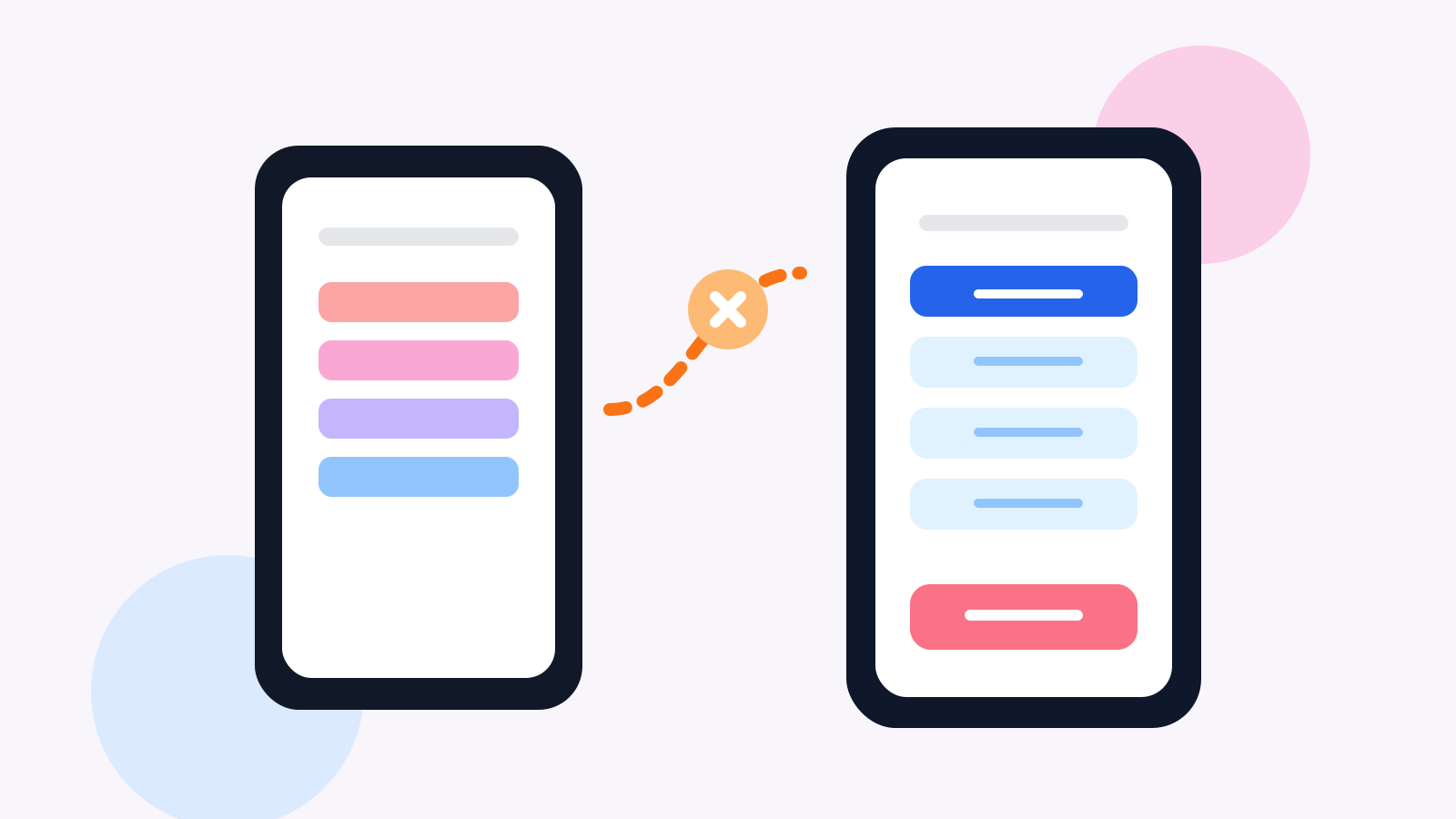
# Mobile menu UX mistakes that quietly cost small businesses leads and sales
A surprising number of small business websites lose conversions before a visitor even reads the page.
The problem is not always the offer. Sometimes it is the menu.
On desktop, messy navigation can be annoying. On mobile, it can kill momentum fast. If someone lands on your site from Google, Instagram, or a paid ad and cannot quickly figure out where to go next, the session often ends there.
That is why mobile menu UX matters more than many owners realize. Navigation affects discovery, trust, and conversion. It shapes whether a user explores your services, checks your pricing, finds your location, or gives up after ten seconds.
And yet plenty of small business sites still treat mobile navigation like a shrink-wrapped desktop menu instead of a different interaction pattern with its own rules.
This guide covers the most common mobile menu mistakes and what to do instead.
Why mobile menu UX has such a big business impact
Mobile visitors are usually in a hurry, distracted, or using one hand. They do not want to decode your information architecture. They want the next useful step.
For a service business, that next step might be:
For e-commerce, it might be getting to a category page, using search, or returning to the basket.
If navigation makes those actions harder, conversion suffers. Simple as that.
Poor mobile UX can also create SEO side effects. Users bounce faster, view fewer pages, and engage less. Search engines may not use one metric in isolation, but weak engagement usually points to a weak experience.
Mistake 1: hiding essential actions inside the menu
A lot of websites tuck everything into the hamburger icon, including the one action that actually drives revenue.
That is a mistake.
Your primary CTA should not depend on a visitor opening the menu first, especially on mobile.
If your goal is calls, bookings, quotes, or shopping, surface that action outside the menu when possible. Use a visible call button, sticky bottom CTA, or prominent in-page action near the top.
The menu should support exploration. It should not act like a locked cupboard containing the entire business.
Mistake 2: keeping too many top-level items
Desktop websites can sometimes get away with broad mega-navigation. Mobile cannot.
When people tap the menu button and see a wall of links, they slow down. That hesitation is friction.
Most small business sites need fewer top-level choices than they think. You do not need to expose every page at once.
A cleaner mobile structure often looks like:
That is enough for many businesses. If your menu currently includes ten or fifteen options, it probably needs pruning.
Mistake 3: using vague labels
Navigation labels should be painfully clear.
Words like "Solutions," "Discover," or "Explore" might look polished in a design mockup, but they often hide what the page actually contains.
Mobile users scan fast. They do better with labels like:
Clarity beats cleverness here every time.
Mistake 4: building awkward multi-level menus
Nested menus are one of the fastest ways to make a mobile site feel harder than it should.
If users need to tap three times just to reach a core service page, your structure is too deep. If the back behavior is confusing, it is even worse.
Multi-level menus are sometimes necessary, especially for larger e-commerce catalogues. But for most small businesses, they signal over-complication.
A better pattern is to:
Not every destination needs to live in the menu.
Mistake 5: making tap targets too small
This sounds basic, but it still shows up all the time.
Tiny menu links, cramped accordion rows, and close-together controls create accidental taps. On mobile, that feels sloppy immediately.
If a user mis-taps your menu twice in ten seconds, confidence drops. It is a small interaction, but it says something about the business.
Touch targets should be easy to hit with a thumb. Spacing should feel generous. Icons should support the label, not replace it.
Mistake 6: using menus that cover too much of the screen poorly
Full-screen mobile menus can work. Bad ones feel suffocating.
The usual issues are:
Want a fast score before you touch the site?
Use the free Website Grader to get an instant trust, UX, SEO, and performance score, then decide if you need the full AI review.
Open the Free Website Grader →A mobile menu is not a brand theatre moment. It is a utility surface. It should open fast, read clearly, and help people move.
Mistake 7: forgetting what mobile users care about most
A plumber, dentist, consultant, salon, gym, or local retailer does not need the same mobile navigation priorities as a SaaS product.
Yet many businesses copy menu structures from generic templates instead of matching real customer intent.
Ask yourself what people most want to know on mobile. Usually it is some version of this:
Your menu should support those questions first.
Mistake 8: making the menu inconsistent across pages
Sometimes the homepage uses one menu pattern, landing pages use another, and the blog introduces a third. That inconsistency creates friction, especially for returning visitors.
Navigation should feel stable. The same icon should do the same thing. The same CTA should appear in the same place. Users should not have to relearn the interface from page to page.
This is particularly important on websites built with lots of plugins, templates, or campaign landing pages stitched together over time.
Mistake 9: ignoring menu speed
This one gets overlooked. A mobile menu can be technically functional but still feel bad because it opens slowly.
Heavy animation, delayed JavaScript, font flashes, and script conflicts can make the menu stutter. That small delay matters. Navigation is one of the highest-frequency actions on a website. If it feels laggy, the whole site feels less polished.
This is where mobile UX and website speed meet. A lightweight navigation pattern usually performs better and feels more trustworthy.
Mistake 10: not testing the menu with real people
Design teams and business owners get used to their own websites. They know where everything lives. New visitors do not.
One of the fastest ways to improve navigation is to watch five people use your mobile site and ask them to complete simple tasks:
If they hesitate, get lost, or miss the obvious path, the menu needs work.
It is almost always humbling. It is also extremely useful.
What a good mobile menu should do
A strong mobile menu does not need to be fancy. It needs to feel obvious.
It should:
For many businesses, the best menu is the one nobody notices because it gets out of the way.
A practical fix list for small business websites
If your navigation is underperforming, start here:
1. Cut menu items
Remove anything that does not help a user move toward understanding, trust, or action.
2. Rename unclear labels
Replace brand-sounding labels with plain language.
3. Pull the main CTA out of the menu
If bookings or calls matter, make that action visible without a tap on the hamburger icon.
4. Simplify levels
Flatten the structure wherever possible.
5. Improve spacing and tap areas
Make interactions easier for thumbs, not cursors.
6. Test it on an actual phone
Not just a browser resize. Use real devices. Real thumbs catch real problems.
Final thought
A lot of websites chase bigger changes when the real leak is basic navigation. They rewrite copy, redesign sections, run ads, and tweak SEO while the mobile menu still makes people work too hard.
That is frustrating because the fix is often straightforward.
If your business depends on mobile traffic, treat navigation like part of your conversion funnel, not a design afterthought. When people can move through your site easily, they are more likely to trust you, contact you, and buy.
That is what good mobile UX should do. It should make the next step feel natural.
Turn this article into a real benchmark
Start with the free Website Grader for an instant score, then move to the full AI scan when you want page-level recommendations.
Open the Free Website Grader →