Mobile UX Mistakes: Why Your Mobile Site is Bleeding Revenue
With mobile devices now accounting for over 75% of global web traffic, "mobile-friendly" is no longer a goal—it’s the bare minimum. Yet, many businesses are still oper...
Free tool
Grade your website before you keep reading
Most readers want a quick benchmark first. Start with the free Website Grader, then come back to this article with a clearer sense of what to fix.
# Mobile UX Mistakes: Why Your Mobile Site is Bleeding Revenue
With mobile devices now accounting for over 75% of global web traffic, "mobile-friendly" is no longer a goal—it’s the bare minimum. Yet, many businesses are still operating with mobile sites that are essentially "shrunk-down" versions of their desktop experience.
In 2026, mobile users have zero patience for friction. If your mobile revenue is lagging, you’re likely making one of these five critical UX mistakes.
1. The "Thumb-Zone" Neglect
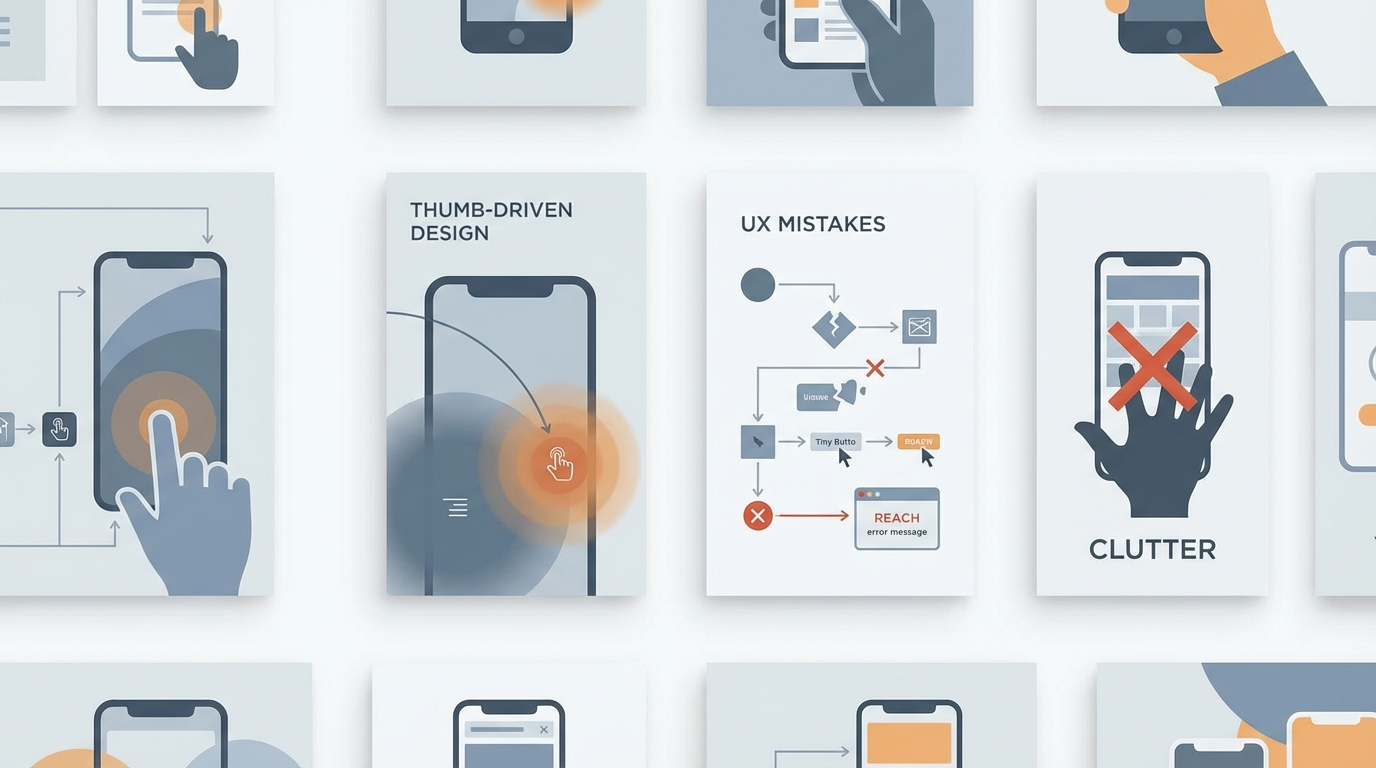
Most people navigate their phones with one hand, yet many sites place critical interactive elements (like the 'Add to Cart' or 'Submit' buttons) at the top of the screen. This forces the user to shift their grip or use two hands, creating a subtle but measurable drop in conversion probability.
**The Rule:** Keep all primary actions within the "Natural Thumb Zone"—the bottom third of the screen. Bottom-anchored navigation and floating action buttons (FABs) are the standard for high-converting 2026 mobile design.
2. Intrusive Overlays and "Interstitial Fatigue"
We’ve all experienced it: you land on a site and are immediately hit with a cookie consent banner, a newsletter popup, and a discount wheel. On a mobile screen, this effectively hides your content and frustrates the user into bouncing.
Search engines now actively penalize sites with intrusive interstitials. Instead of popups, use integrated "inline" calls to action or subtle bottom-sheet notifications that don't block the core reading experience.
3. Slow "Time to Interactive" (TTI)
It’s not just about how fast the page *looks* like it loaded; it’s about how soon the user can actually *interact* with it. Large JavaScript bundles often freeze the main thread, meaning a user sees your button but can't click it for 3-5 seconds.
Mobile users perceive this as a broken site. Optimization in 2026 focuses on "Speculative Loading" and aggressive code-splitting to ensure that buttons are responsive the millisecond they appear.
4. Complex Forms and Keyboard Friction
Nothing kills a mobile conversion faster than a form with 12 mandatory text fields. Every tap on a mobile keyboard is a potential exit point.
**How to fix it:**
5. Lack of "Offline-First" Resilience
Mobile users are often on the move, switching between 5G, Wi-Fi, and dead zones. If your site completely breaks the moment a connection is dropped, you lose the transaction. Modern Progressive Web App (PWA) features allow your site to remain functional (or at least informative) even during brief connectivity drops, preserving the user’s progress and confidence.
Summary
The mobile experience *is* your customer experience. By optimizing for physical ergonomics (the thumb zone), technical performance (TTI), and simplified input, you turn your mobile site from a revenue leak into a conversion powerhouse.
***
Turn this article into a real benchmark
Start with the free Website Grader for an instant score, then move to the full AI scan when you want page-level recommendations.
Open the Free Website Grader →