The Rise of Adaptive UI: Moving Beyond Static Design in 2026
Learn how adaptive user interfaces and smart design systems are reshaping web experiences in 2026 by automatically adjusting to user intent and environment.
Free tool
Grade your website before you keep reading
Most readers want a quick benchmark first. Start with the free Website Grader, then come back to this article with a clearer sense of what to fix.
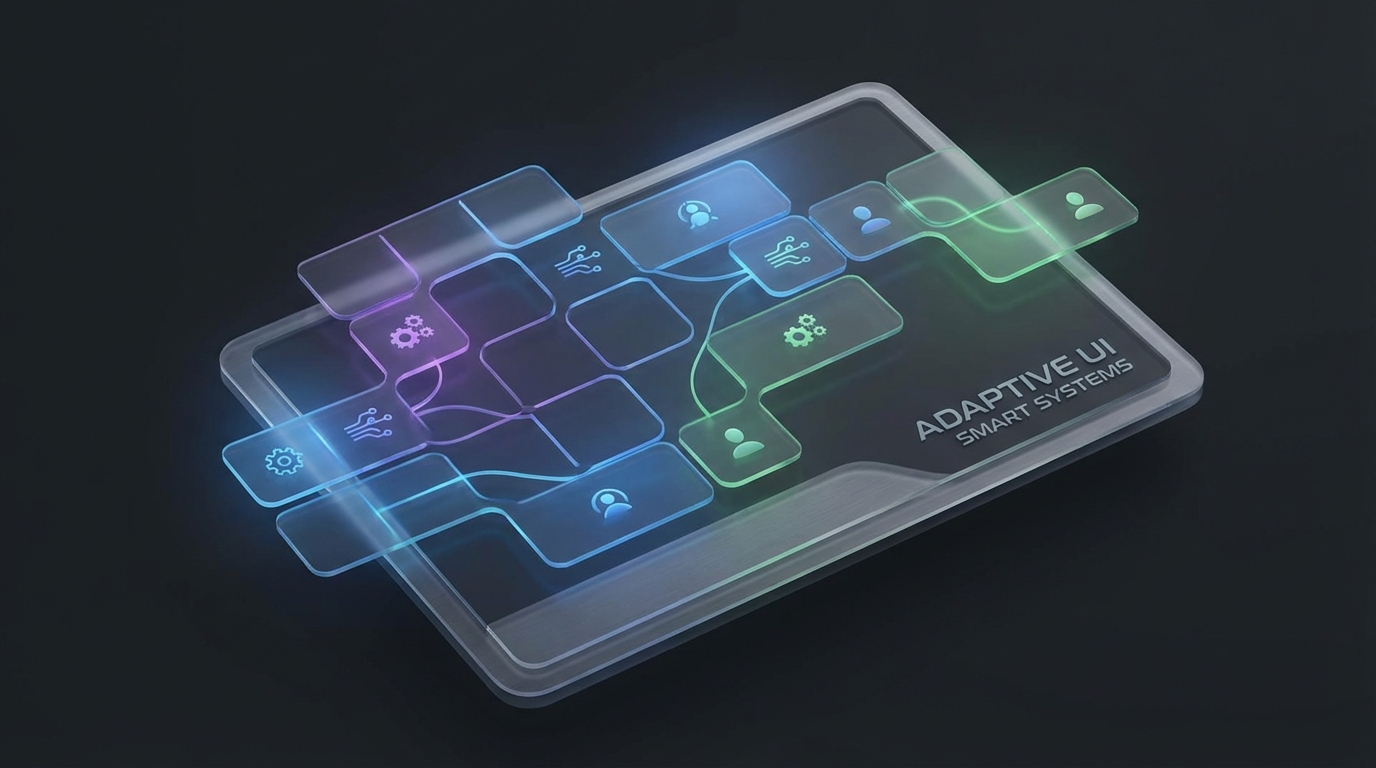
The web is no longer a collection of static pages; it is becoming a living, breathing ecosystem that responds to who is using it, where they are, and what they need. In 2026, the shift from responsive design to **Adaptive User Interface (AUI)** has become the definitive standard for high-growth digital products.
While responsive design solved the problem of screen size, Adaptive UI solves the problem of *context*.
What is Adaptive UI?
Adaptive UI refers to interfaces that dynamically change their layout, content, and functionality based on real-time user data. This includes device type, time of day, physical environment (like ambient light), and most importantly, user intent.
Unlike traditional interfaces where every user sees the same structure, an adaptive system might simplify navigation for a mobile user on the move while expanding deep-dive data visualizations for a desktop user in a focused work environment.
Key Principles of Adaptive User Interface Design 2026
To implement a successful adaptive strategy, design systems must move beyond rigid components. Here are the core principles driving AUIs this year:
1. Intent-Based Component Swapping
Your design system should be smart enough to know when to show a "Buy Now" button versus a "Learn More" decision flow. By analyzing referral paths and dwell time, adaptive systems swap static HERO sections for interactive guides that match the user's stage in the customer journey.
2. Environmental Awareness
Modern browsers now provide better hooks for environmental variables. Adaptive interfaces in 2026 automatically adjust contrast ratios based on ambient lighting and switch to "high-legibility mode" for users in high-glare environments. This isn't just a gimmick; it’s a core accessibility and usability feature.
3. Cognitive Load Management
The "Minimalism with Purpose" trend has evolved. Adaptive UIs monitor user interaction patterns. If a user seems to be struggling with a complex form, the UI can dynamically trigger a simplified "Focus Mode," hiding secondary navigation and non-essential widgets to reduce cognitive friction.
Why Your Business Needs a Smart Design System
Moving to an adaptive model isn't just about looking futuristic. The business metrics in 2026 tell a clear story:
Implementing Adaptive Patterns
Starting with Adaptive UI doesn't require a total rebuild. You can begin by:
The future of the web is personal, fluid, and profoundly useful. If your website still looks the same to everyone, you’re leaving engagement—and revenue—on the table.
Related Articles
Turn this article into a real benchmark
Start with the free Website Grader for an instant score, then move to the full AI scan when you want page-level recommendations.
Open the Free Website Grader →